
TikTok - Feature Redesign
UX / UI Case study

TikTok is a leading short-video social platform with high engagement among Gen Z. Despite its popularity, users report difficulty in organizing and retrieving their saved videos. This project explores redesigning TikTok’s favorites feature to improve accessibility and usability.
ROLE UX / UI Designer
DURATION 3 weeks (2021)
METHODS User research, Wireframes, Prototyping, Visual design.
TOOLS Figma, Google Form, Adobe Illustrator, Photoshop, and After Effects.
CHALLENGE
Users are unable to easily access, organize, and search their saved videos within TikTok, causing frustration and inefficiency. The current favorites system lacks a search function and intuitive organization tools.
The proposed solution was to create a flow that allows users to:
improve discoverability of saved content
Enable users to organize saved videos into collections
Add a search function within favorites
Reduce time to find saved videos by making the interface clearer
These are actionable goals that frame your design decisions
1. Dask Research
To understand users’ needs, I started by analyzing TikTok’s statistics and business goals.
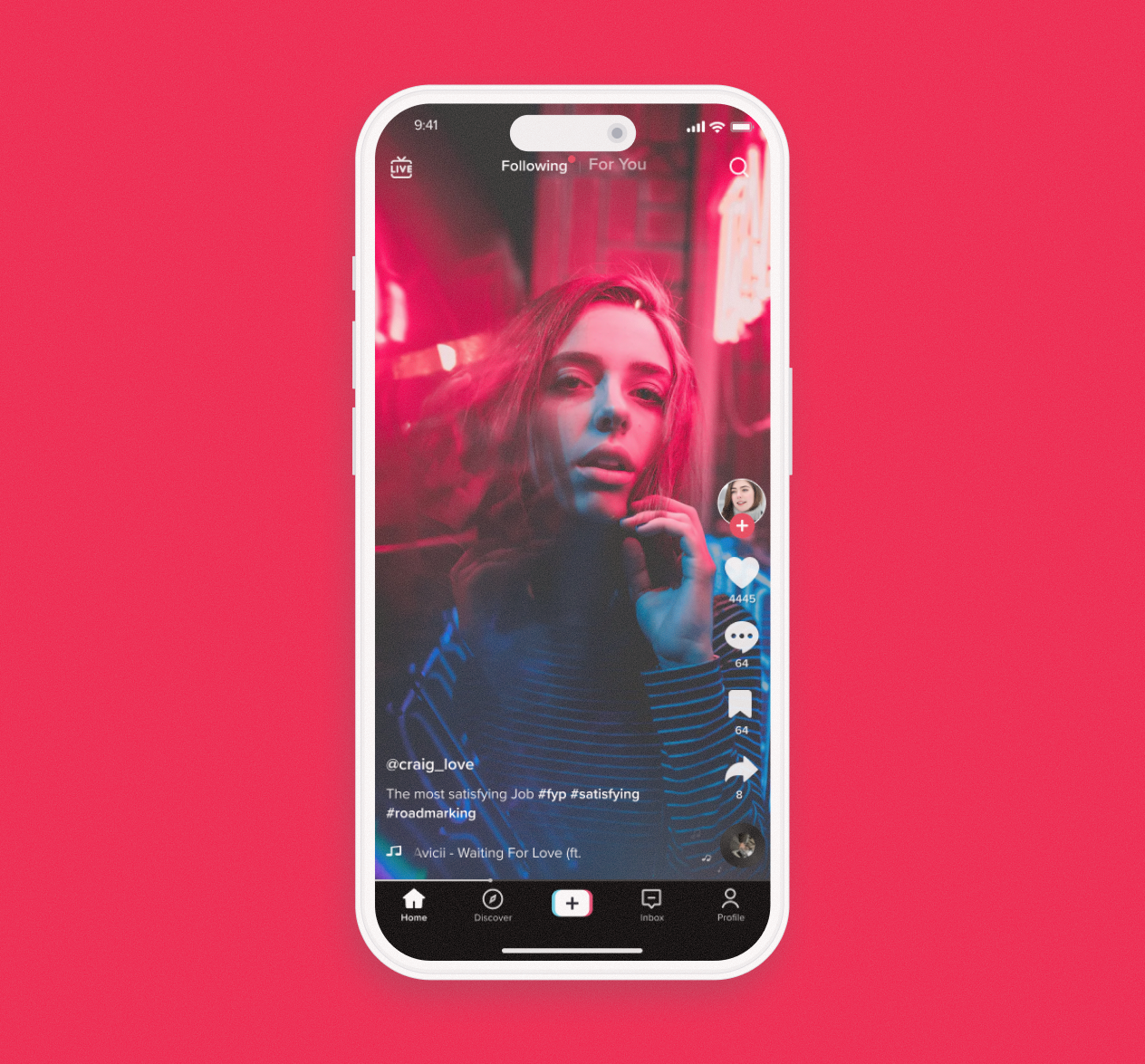
TikTok was the most downloaded app of 2021, with 656 million downloads. Its user base is 57% female and 43% male, with 43% aged 18–24. 90% of users open the app more than once per day, spending an average of 52 minutes daily.
The platform engages Gen Z effectively, offering a simple video editor and filters for creating content quickly. Users also enjoy participating in trends and challenges, which encourages interaction and community engagement.
Research & Insights
2. User survey and Interview
After analyzing TikTok’s user statistics, I conducted a survey and interviewed four active users to uncover their main pain points.
“… there’s no way to organize the videos you like and favorite. Also … use SEARCH. SEARCH for things you are looking for or like.”
“If there were some way to search/find a video within your ‘favorite’. It’s super annoying trying to show a video to a friend and being unable to find it because you have to scroll endlessly through saved videos”
“The app should have an option to select more than one video and save them all in sometime on the fav. It’s hard to organize the favorite when you have to go through several screens to do it.”
Reserch Results
52.9% of users spend over 1 hour on the app daily.
88.2% have given up searching for content in their favorites or likes.
Users report difficulties organizing saved content.
Most save videos by liking them or sharing on social media.
Some users were unaware of the favorites feature and relied on likes to save videos.
Key Insights
Users were often unaware of the favorites feature, confusing likes with saved content. They struggle to find and organize their saved videos. The favorites flow clearly needs improvement.
1. Persona
After analyzing TikTok usage data and interview insights, I identified Elois, a 21-year-old student and TikTok user, who seeks quick access to saved content but experiences friction in navigation.
Ideation & Design
2. User Testing
To better understand the user journey on TikTok, I conducted a small usability test with one participant. The goal was to identify pain points in the favorites flow by observing the user’s behavior while completing three tasks:
User tasks:
Add a video to favorites
Create a collection
Delete a video from a collection
Problems identified:
The user was unaware of the press-and-hold gesture to open the share menu.
It was difficult to locate the favorites link on the profile screen.
The Manage Videos button was unclear, as it primarily edits collection content
User feedback:
I pressed the three dots because it is usually there that the edit option appears on Instagram. I thought it was the same here.”

3. Competitive Analysis
While the research helped narrow down the problem, I needed inspiration before starting wireframes. I reviewed competitors like YouTube and Instagram to understand how users save content and engage with favorite features, and to explore which solutions could be relevant for TikTok.
4. Wireframe
While the research helped narrow down the problem, I needed inspiration before starting wireframes. I reviewed competitors like YouTube and Instagram to understand how users save content and engage with favorite features, and to explore which solutions could be relevant for TikTok.
Add Favorites
Current flow:
To add a video to favorites, the user presses and holds the screen and selects Save to Favorites.
The video is automatically saved to All Favorites.
Proposed improvement:
Allow the user to create a new collection and save the video directly into it.
Allow the user to save the video to an existing collection.
If the user doesn’t select any option, the video defaults to All Favorites.
Search field
Current flow:
TikTok has no search bar inside bookmarks; search is only available in the main menu.
Proposed improvement:
Add a search field on the Favorites main page and within each collection.
Users can search for videos either in All Favorites or within individual collections.
Edit favorites
Current flow:
The Manage Video button offers options to move, remove, or add a video to a collection.
The three-dot menu allows users to rename or delete the collection.
Proposed improvement:
Consolidate all actions (move, remove, add, rename, delete) in one place to improve usability and reduce user steps.
Added a search field inside each collection for easier access to videos.
5. Prototype
Followed the official TikTok design pattern. The study aimed to improve user usability.
The link to high fidelity is below.